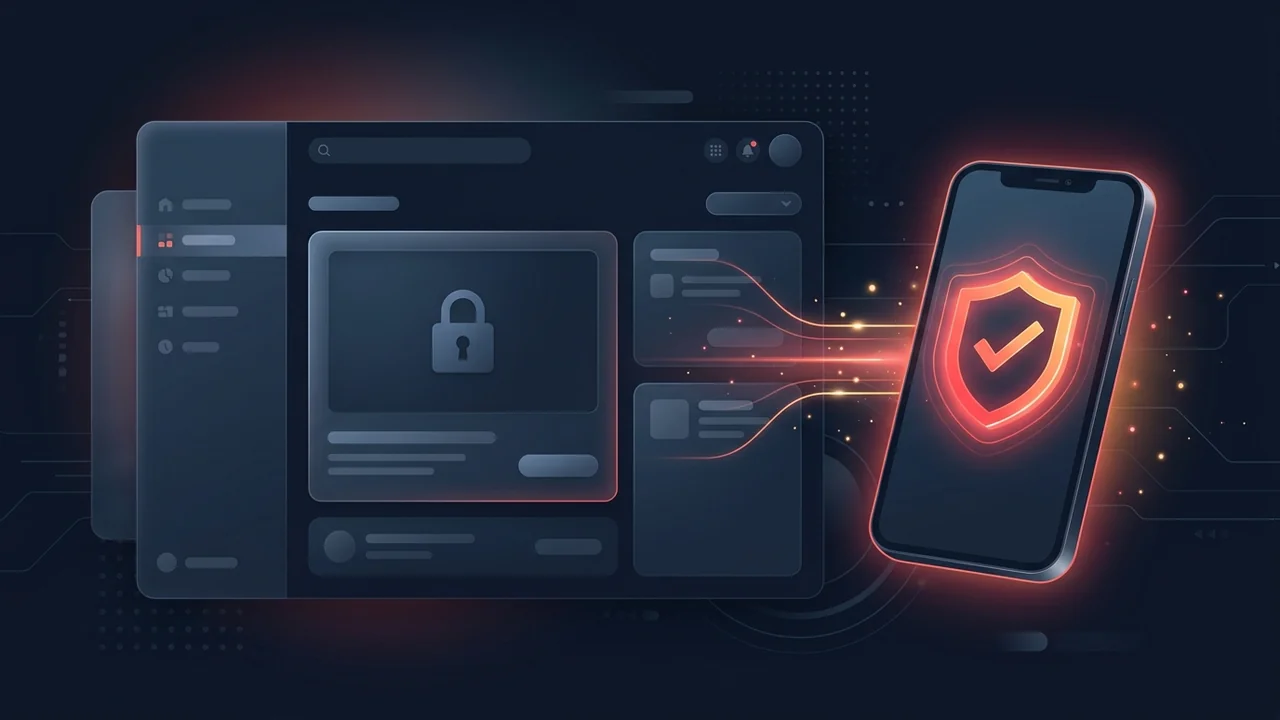
Nothing slows down a new channel launch faster than spending an hour designing a crisp 1280 × 720 px cover graphic, uploading your video to YouTube Studio, scrolling down to the Thumbnail section, and discovering that the Upload file box is completely greyed out—forcing you to pick from three blurry auto-generated frames.
In over 90% of cases, a locked custom thumbnail button is caused by YouTube's three-tier anti-spam system (Standard, Intermediate, and Advanced features). However, even verified channels can run into greyed-out buttons if they hit annual phone-number limits, upload unsupported WebP files, or trigger a browser cache bug. Below is every cause and its exact fix.
Fix #1: Unlock "Intermediate Features" via SMS Phone Verification (Most Common)
To stop automated spam bots from flooding YouTube Search with thousands of fake custom thumbnails, Google places all brand-new YouTube channels into the Standard features tier. Until you complete a one-time SMS or voice-call phone verification to unlock Intermediate features (Official YouTube Feature Eligibility Tiers), the custom thumbnail upload button remains locked.
How to Verify Your Phone Number on Desktop (YouTube Studio Web)
- Open YouTube Studio Settings: Sign in to
studio.youtube.comand click the Settings (gear) icon in the bottom-left corner of the sidebar. - Go to Channel → Feature Eligibility: In the Settings modal, click Channel on the left, then click the third tab at the top labeled Feature eligibility.
- Expand "2. Intermediate features": Click the downward chevron next to Intermediate features (which unlocks videos over 15 minutes, custom thumbnails, and live streaming).
- Click "Verify phone number": Select your country, choose either Text me the verification code or Call me with an automated voice message, and type your mobile number.
- Enter the 6-Digit Code: Submit the 6-digit OTP code. Your status will immediately flip to a green Enabled badge, and the custom thumbnail button will unlock across both desktop and the YouTube Studio mobile app.
How to Verify Inside the YouTube Studio Mobile App (iPhone & Android)
- Open the YT Studio App: Download and open the dedicated YouTube Studio app (not the main YouTube watching app).
- Tap Content → Edit Video: Tap the three-dot menu next to your video, tap Edit, and tap the pencil icon in the top-left corner of the thumbnail.
- Tap "Custom thumbnail" → Verify: When the popup says "To add custom thumbnails, verify your account on YouTube", tap Verify and enter your SMS code directly inside the in-app prompt.
YouTube's 3 Feature Eligibility Tiers Explained
Many creators worry that YouTube will ask for a government ID or face scan just to upload a thumbnail. That is not required for thumbnails—ID or video verification is only for Tier 3 (Advanced features). Here is how the three tiers break down:
| Eligibility Tier | Verification Requirement | Features Unlocked |
|---|---|---|
| 1. Standard Features | No active Community Guidelines strikes | Video uploads under 15 mins, playlists, Shorts uploads |
| 2. Intermediate Features | Standard enabled + SMS Phone Verification | Custom thumbnails (16:9 & 9:16), videos >15 mins, Live streaming |
| 3. Advanced Features | Intermediate enabled + Channel History (or Video/ID check) | Clickable external description links, A/B thumbnail testing, Content ID appeals |
Fix #2: "This Phone Number Has Already Created the Maximum Number of Accounts"
What if you try to verify your phone number and YouTube blocks you with the error: "This phone number has already been used the maximum number of times"?
Google enforces a strict anti-abuse limit: a single phone number can only verify a maximum of 2 YouTube channels per 365-day rolling year across SMS and voice calls combined. Furthermore, VoIP numbers (like Google Voice, TextNow, or virtual burner SIMs) are blocked by Google's carrier filter.
- Switch From SMS to Voice Call (If Code Doesn't Arrive): If your carrier blocks automated Google short-code texts, select Call me with an automated voice message instead.
- Use a Family Member's or Secondary Physical SIM: If you already verified two test channels this year, use a trusted family member's physical mobile number to receive the one-time 6-digit SMS code. This number is only used for the one-time anti-spam verification check and does not change your Google Account recovery phone number.
If you had the video upload dialog open in Tab 1 while completing phone verification in Tab 2, the upload modal in Tab 1 won't know your permissions updated until you refresh! Click Save as Draft (or close the modal) and reload studio.youtube.com (Ctrl + F5). The Upload file box will immediately become clickable.
Fix #3: When the Button Is Clickable, But Your Image Fails to Upload
Sometimes your channel is fully verified, you click Upload file, pick your image, and nothing happens—or YouTube throws a vague "Server error, please try again later" message. Check these four file-level blocks:
- Your File Exceeds the 2.00 MB Hard Ceiling: Even a
2.04 MBPNG will fail silently or throw an error on standard videos and Shorts. Open your image in Photoshop, Photopea, or Squoosh and export it as an 85%–90% quality JPG (~400 KB) (How to Export Sharp 1080p Thumbnails Under 2 MB). - Your Image Is Saved as a
.WEBPor.AVIFFile: While YouTube serves thumbnails to viewers in WebP format, the YouTube Studio uploader for video thumbnails only accepts.JPG,.JPEG,.PNG, or non-animated.GIFfiles. - Ad-Blockers or Brave Shields Blocking the Upload Request: Aggressive privacy extensions or script blockers occasionally block YouTube Studio's background
upload.youtube.comXHR request. Open an Incognito window with extensions disabled and re-upload. - Temporary Custom Thumbnail Suspension (Policy Strike): If your channel recently received an active Community Guidelines strike or repeated thumbnail removals for adult/violent imagery, YouTube temporarily suspends custom thumbnail privileges for 1 to 2 weeks (See our YouTube Thumbnail Policy Violation & Strike Guide).
Frequently Asked Questions About Greyed-Out Custom Thumbnails
Why is the custom thumbnail option greyed out on YouTube Studio?
The custom thumbnail button is greyed out on new channels until you enable Intermediate features by verifying your phone number via SMS or voice call in YouTube Studio → Settings → Channel → Feature eligibility.
Do I have to upload my government ID to get custom thumbnails on YouTube?
No. Government ID or video verification is only used for Tier 3 (Advanced features). Custom thumbnails only require Tier 2 (Intermediate features), which unlocks immediately with a simple 6-digit SMS phone code.
How many YouTube channels can I verify with one phone number?
YouTube allows a single mobile phone number to verify up to 2 channels per year. If you hit the annual limit, you will need to use a different physical SIM number to receive the verification code.