
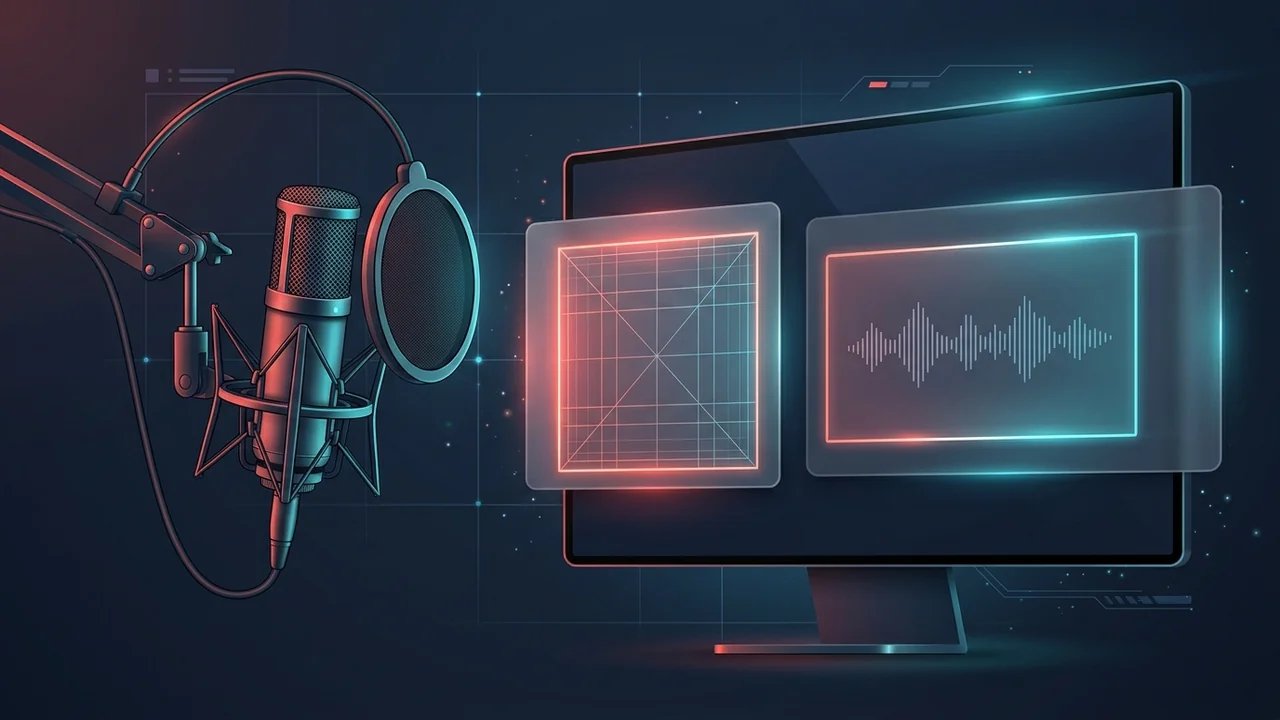
When YouTube integrated podcasts directly into YouTube Studio and the YouTube Music app, it introduced a dual-artwork system that still confuses many video editors and audio producers. Standard YouTube uploads have used a horizontal 16:9 frame for nearly two decades. Yet the moment you create a new Podcast inside YouTube Studio, the uploader rejects your widescreen graphic and demands a 1:1 square image.
Understanding the difference between Show-Level Square Artwork (1280 × 1280 px) and Episode-Level Widescreen Thumbnails (1280 × 720 px) is essential if you want your podcast to look sharp across desktop browsers, Smart TVs, and the YouTube Music mobile player. Below is the complete technical breakdown for podcasters in 2026.
Why YouTube Uses Two Different Thumbnail Sizes for Podcasts
On YouTube, a "Podcast" is technically a specialized playlist with extra metadata that syndicates your episodes into both the main YouTube platform and the dedicated YouTube Music mobile app. Because audio listeners and video viewers browse content differently, YouTube requires two distinct graphic formats:
- 1. The Podcast Show Cover (1:1 Square — 1280 × 1280 px): This is your permanent series album art. It represents the entire show inside the YouTube Music app, on your channel's Podcasts tab, and inside Google Search podcast carousels. Just like album covers on Spotify or Apple Podcasts, it must be a perfect square.
- 2. Individual Episode Thumbnails (16:9 Widescreen — 1280 × 720 px): Every individual episode you upload into that podcast playlist is still a standard YouTube video. When YouTube recommends an episode on the Home feed, Watch Next sidebar, or main search results, viewers see the horizontal
16:9episode thumbnail—not the square show logo.
If you only put effort into your square show cover and leave your individual episode thumbnails as random studio wide shots, your click-through rate on the main YouTube Home feed will suffer. Conversely, if you try to cram a 16:9 banner into the square show cover slot, YouTube Studio will force-crop the left and right edges, slicing off your show title and host faces.
Official YouTube Podcast Thumbnail Specifications (2026 Table)
Notice that YouTube gives podcasters a much higher file-size ceiling (10 MB) for square show covers compared to the strict 2 MB limit enforced on standard 16:9 video thumbnails (Complete YouTube Thumbnail Size Guide):
| Asset Type | Aspect Ratio | Recommended Pixels | Max File Size | Where It Appears |
|---|---|---|---|---|
| Podcast Show Cover (Studio Upload) | 1:1 Square |
1280 × 1280 px |
10 MB (.JPG, .PNG) |
YouTube Music app, Podcasts tab, show header |
| Universal Cross-Platform Master (RSS) | 1:1 Square |
3000 × 3000 px |
10 MB (72 DPI, sRGB) |
YouTube RSS ingestion, Apple Podcasts, Spotify |
| Individual Episode Thumbnail | 16:9 Widescreen |
1280 × 720 px |
2 MB (.JPG, .PNG) |
YouTube Home feed, Search results, Suggested sidebar |
| Podcast Clips & Vertical Teasers | 9:16 Vertical |
1080 × 1920 px |
2 MB (.JPG, .PNG) |
Shorts Shelves, Mobile Search Carousels |
Should You Design at 1280×1280 or 3000×3000 Pixels?
Inside YouTube Studio's help tooltip, Google lists 1280 × 1280 pixels as the recommended resolution for a square podcast thumbnail. However, experienced podcast producers almost always set their master Photoshop, Illustrator, or Figma canvas to 3000 × 3000 pixels.
Why? Because Apple Podcasts and Spotify enforce a minimum resolution of 1400 × 1400 px and a maximum of 3000 × 3000 px for RSS feed validation. Since YouTube allows up to 10 MB on podcast show covers, a 3000 × 3000 px high-resolution PNG or 95%-quality JPG easily fits under the 10 MB ceiling and works across every podcast directory on earth without maintaining two separate master files.
Many graphic designers create podcast album covers in Adobe Illustrator using print-ready CMYK color spaces. When uploaded to YouTube Studio, CMYK files get stripped and re-encoded into WebP, turning vibrant neon accents into dull, muddy grays. Always convert your canvas to 8-bit sRGB before exporting (How to Fix Washed-Out & Blurry Thumbnails).
How to Upload or Change Your Square Podcast Thumbnail in YouTube Studio
Whether you are launching a brand-new video podcast or converting an existing playlist of interviews into an official YouTube Podcast, follow these steps on desktop:
- Sign in to YouTube Studio: Open
studio.youtube.comon a desktop browser. - Create or Select a Podcast: Click Create in the top-right corner and select New podcast (or click Content → Podcasts in the left sidebar to edit an existing show).
- Convert an Existing Playlist (Optional): If you already have a playlist of episodes, select Set an existing playlist as a podcast. YouTube will immediately prompt you to upload a square cover image.
- Upload Your 1:1 Square Artwork: Under the Square thumbnail box, click Upload file and select your
1280 × 1280 px(or3000 × 3000 px) JPG or PNG file under 10 MB. - Verify Cropping & Save: Confirm that no text or logos touch the extreme outer border, then click Save (or Done).
How YouTube Music Crops 16:9 Episode Thumbnails Into 1:1 Squares
Here is a critical technical detail that catches most video podcasters off guard: inside the YouTube Music app, when a listener plays an individual episode in "Audio" mode rather than "Video" mode, YouTube Music often takes your episode's 16:9 thumbnail (1280 × 720 px) and center-crops it into a 720 × 720 px square.
Think about how most two-person interview thumbnails are composed: the host sits on the far left edge of the 16:9 frame, the guest sits on the far right edge, and text sits in the middle. When YouTube Music chops off 280 pixels from the left and 280 pixels from the right to form a center square, both speakers' faces are cut in half!
The Center-Safe Framing Rule for Video Podcast Episodes
- Keep Key Subjects Inside the Central 720 × 720 Box: On your
1280 × 720episode template, place vertical ruler guides atX = 280 pxandX = 1000 px. Keep your guest's face and primary 3-word hook inside or overlapping that central square whenever possible. - Avoid Bottom-Right Badges: On both podcast playlists and episode cards, YouTube overlays the episode length timestamp or the playlist icon in the lower-right corner. Leave a
180 × 80 pxbuffer zone in the bottom-right corner completely free of text. - Test Competitor Episode Covers: Copy the link to top-charting video podcast episodes in your niche and run them through the ClickMate YouTube Thumbnail Downloader. Inspecting the raw
maxresdefault.jpgfile lets you measure exactly how major shows balance 16:9 YouTube Browse CTR with center-safe framing.
4 Visual Design Rules for High-Converting Podcast Show Covers
Unlike episode thumbnails—which change every week and pitch a single story curiosity gap—your 1280 × 1280 px square podcast cover is a permanent brand badge. It frequently renders at just 64 × 64 pixels on mobile carousels and CarPlay/Android Auto screens.
- Limit Show Art to 4 Words or Fewer: Your show title should fill at least 35% to 45% of the square canvas using heavy sans-serif or slab display fonts. Do not write your episode release schedule, host biographies, or long taglines on the square cover—nobody can read 14-point font on a smartphone screen.
- Use High-Contrast Background Separation: Because YouTube Music defaults to a pitch-black dark theme (
#030303), pure black podcast covers with dark gray typography disappear into the interface. If you use a dark background, add a subtle inner border, vibrant rim lighting around the hosts, or bright white/yellow typography (7 Visual Psychology Rules for High CTR Thumbnails). - Skip Generic Stock Microphone Clipart: Viewers already know they are browsing the Podcasts tab. Putting a generic condenser microphone icon on your cover wastes valuable visual real estate. Use an expressive host portrait or a bold, recognizable brand mark instead.
- Maintain a 60-Pixel Outer Margin: Leave at least
60 pxof breathing room on all four sides of a1280 × 1280canvas (140 pxon a3000 × 3000canvas). Rounded-corner UI masks in mobile players will clip letters that sit flush against the canvas corners.
Frequently Asked Questions About YouTube Podcast Artwork
What is the exact YouTube podcast thumbnail size in pixels?
YouTube requires a 1:1 square aspect ratio for podcast show thumbnails, with a recommended resolution of 1280 × 1280 pixels (or up to 3000 × 3000 pixels for RSS cross-platform distribution) and a maximum file size of 10 MB in JPG or PNG format.
Do individual YouTube podcast episodes use square 1:1 or widescreen 16:9 thumbnails?
Individual video episodes uploaded to a YouTube podcast still use standard 16:9 widescreen thumbnails (1280 × 720 pixels, under 2 MB). The 1:1 square thumbnail (1280 × 1280 pixels) is used for the overall Podcast Show playlist and YouTube Music directory listing.
Why is YouTube rejecting my podcast thumbnail upload?
YouTube Studio rejects podcast show thumbnails for three main reasons: the image is not an exact 1:1 square (for example, 1280 × 1279 px), the file size exceeds the 10 MB limit, or the file is saved in an unsupported format like WebP or TIFF instead of .JPG or .PNG.
Can I download my existing podcast episode thumbnails from YouTube?
Yes. Copy the URL of any video episode in your podcast and paste it into ClickMate to extract the original 1280 × 720 HD (maxresdefault.jpg) cover file directly from Google's CDN without watermarks.